How to: Cancel your Premium Subscription
Cancelling your Work.ink Premium Subscription is easy.
Scroll down to the footer of any link page on work.ink and click Premium Login.
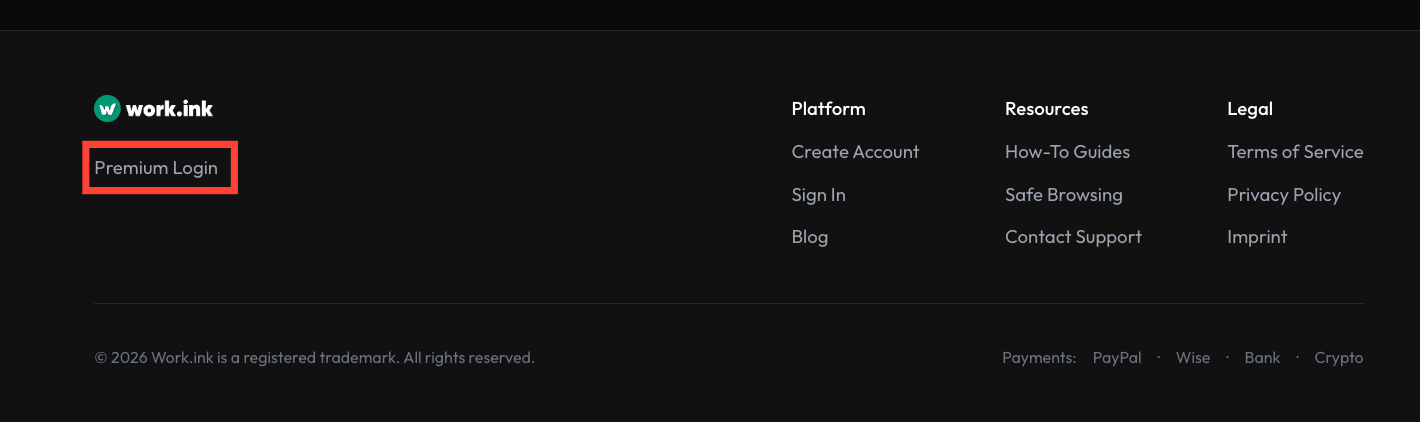
Log in with the Google, Discord, or email account you originally used to subscribe.
Subscribing without an account IS NOT POSSIBLE.
You maybe used another email to signup for Discord than your regular email.
Once logged in, click Manage Premium Subscription.
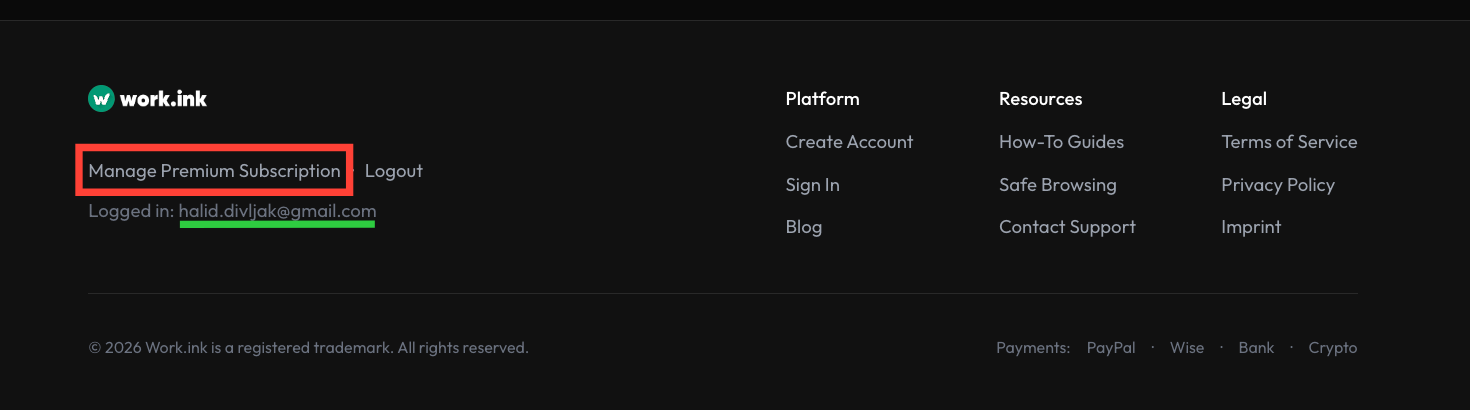
Alternatively, you can log into the payment portal directly. To do this, click on one of those links, depending on which payment provider you used for your subscription: Click here (Stripe) or Click here (Paddle). Make sure to log in with the exact email address shown on your account.
After clicking the button, you will be redirected to a page where you can manage your subscription.
Click Cancel Subscription to cancel your subscription or Update Subscription to change your payment term.
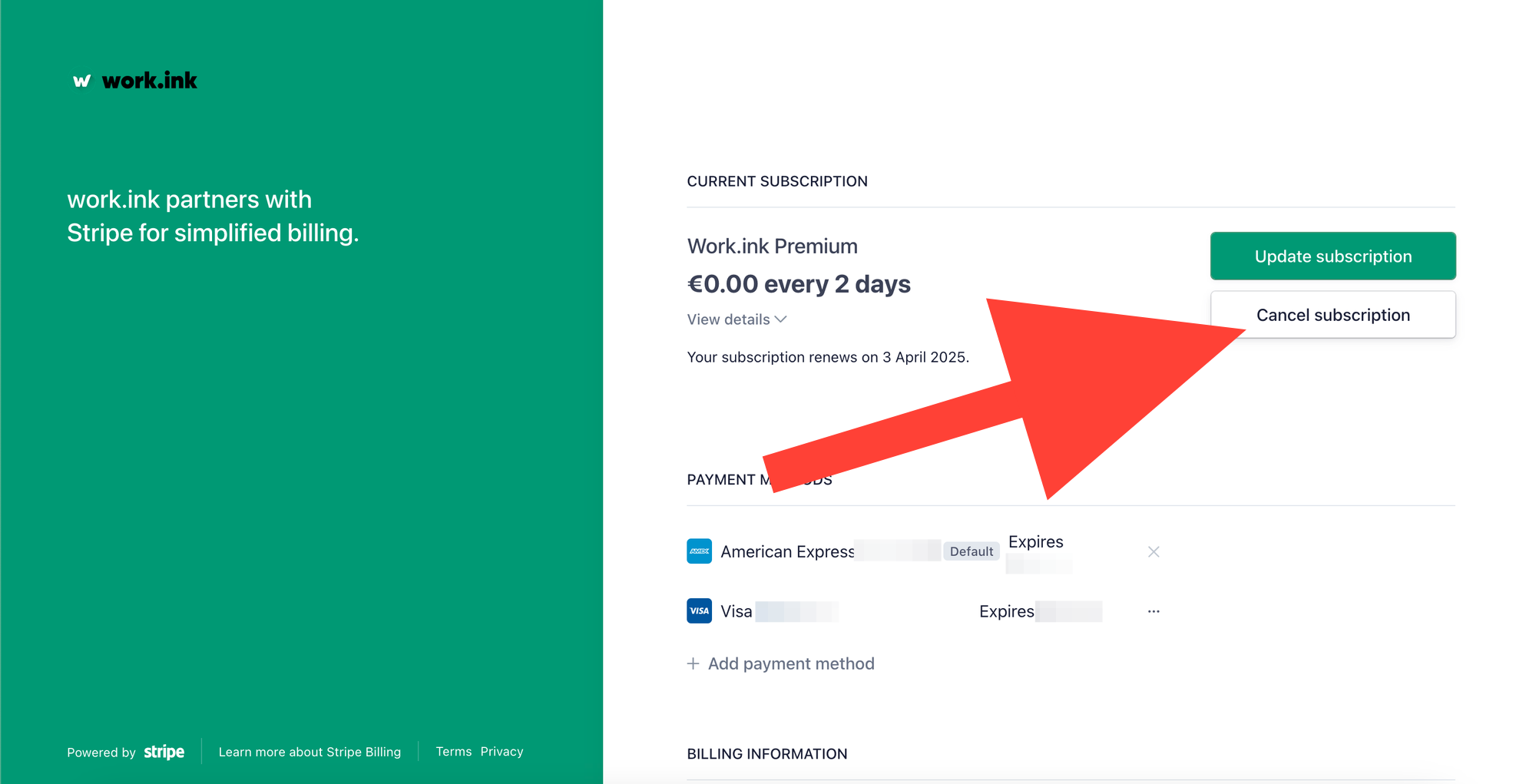
After this, a modal will appear asking you to confirm the cancellation. Once confirmed, your subscription is cancelled.
In case you're not able to get into the Manage Subscription page, try clearing your cookies for work.ink and log in again.
If you need further help, please contact us using our contact form which is also linked in the footer of any page.